This post is mainly written for ASD Teachers who are using the English III Canvas shell developed by myself and Derek Reed. If you are using another shell developed by another teacher, you may still benefit from watching this video, although there will be a few comments and context to disregard.
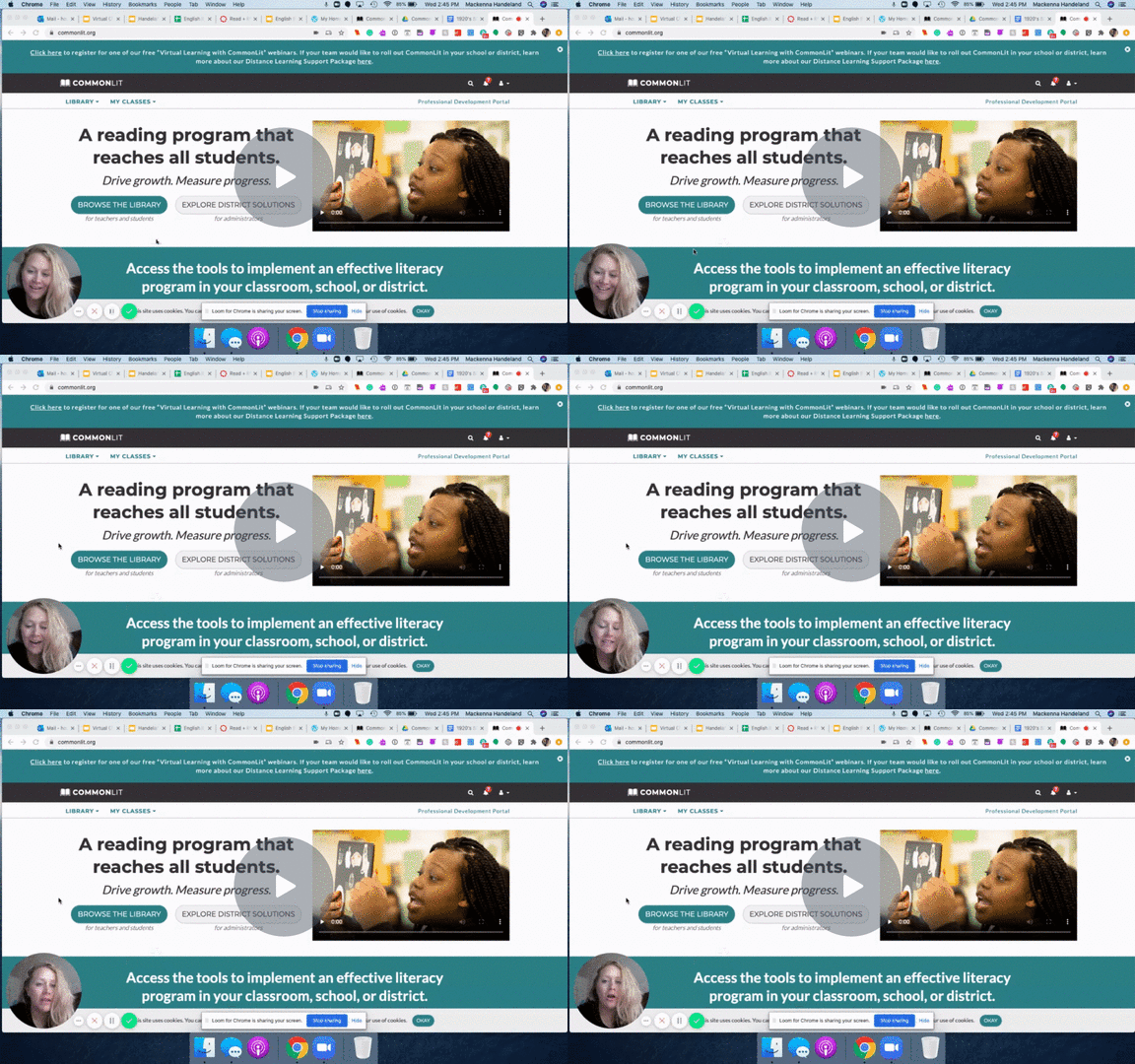
CommonLit.org is THE BEST resource I have found in the last few years. It was introduced to me by my fellow teacher friend and badass, Tori Metzger. Thanks Tori!
The main benefit of Common Lit that they are a non-profit who work to get copyrighted materials available to teachers for free. They also have standards-based assessment and discussion questions. If you choose to use the student accounts, the students can read, annotate, and complete the questions in their portal and it will display some really slick graphics to show you each individual students’ strengths and weaknesses in each of the ELA Common Core standards!
The other great thing is that this is an ASD-approved account. They reviewed the site and agreed that student data is protected. My understanding is that you can now use Clever login to keep all the same student log in info as their ASD account, but I haven’t been able to test that out over the summer. If this isn’t the case, students will have to have their own password and username to keep track of. Common Lit has a dashboard for you to look up their username if they forgot it, and to reset their password for them. It’s a little cumbersome to do it this way, but the trade off and time saved in planning was worth it to me.
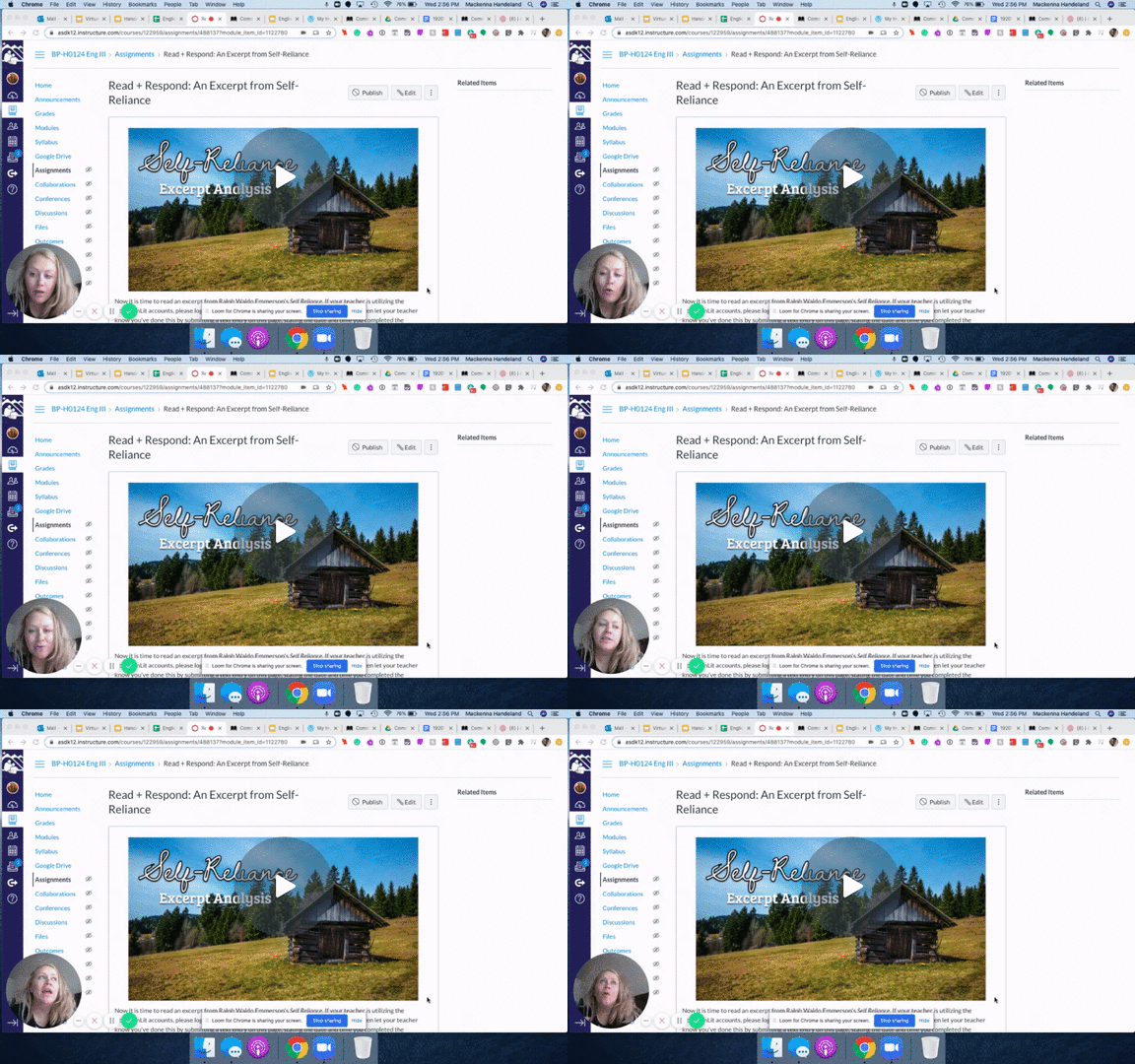
Watch the videos below to learn how to use Common Lit in conjunction with the Canvas shell created for English III teachers and then watch on for a shorter video with a quick hack for keeping all your grading straight.
 HeyKenna